Laravel 2FA / Multi-factor Authentication




A powerful and flexible Laravel package that provides Multi-factor Authentication (MFA) / Two-factor Authentication (2FA) middleware to secure your Laravel applications. This package was originally part of sicaboy/laravel-security and has been moved to this dedicated repository.
[!NOTE]
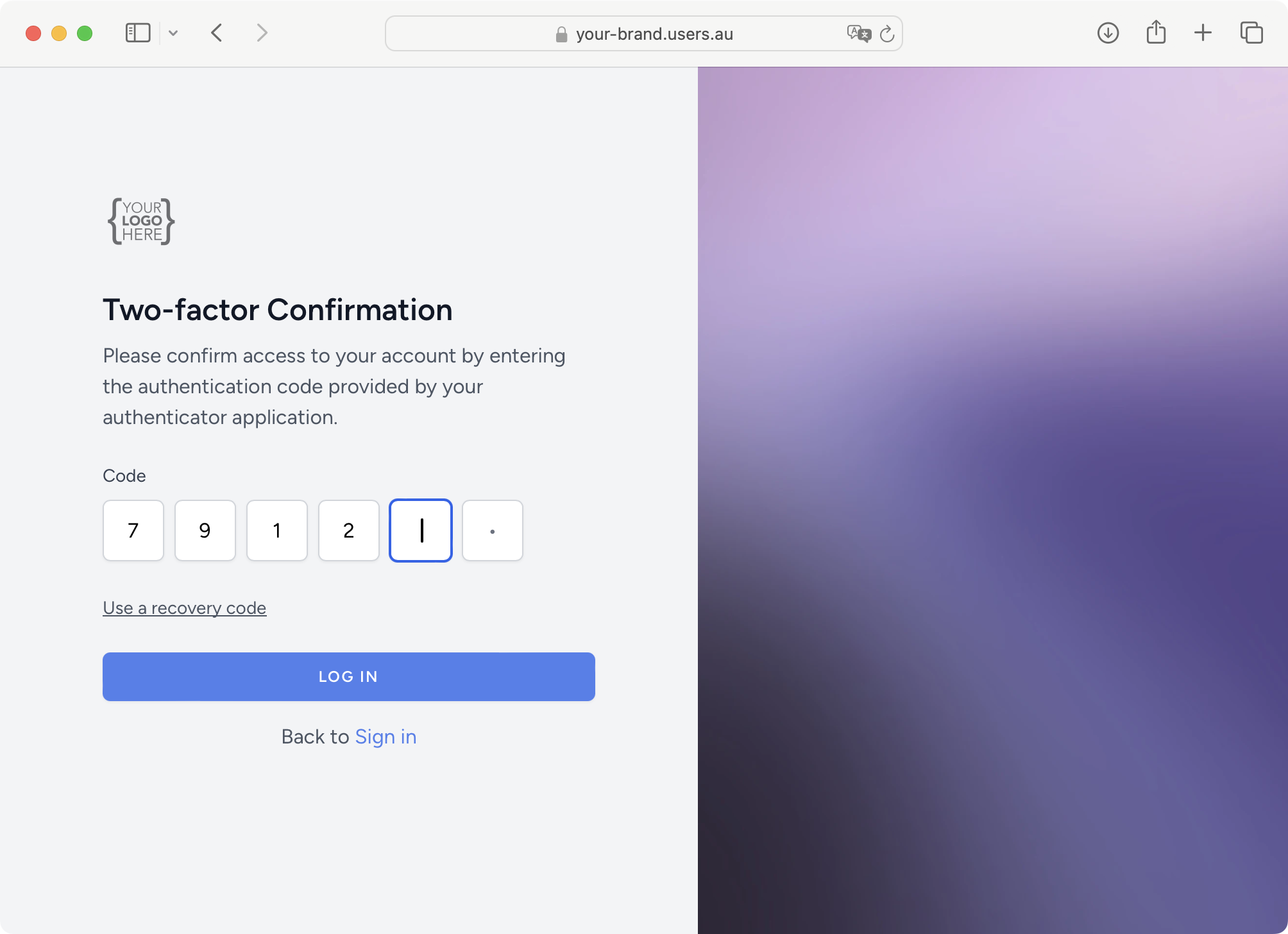
🚀 Advertisement: Don’t Want to Build Authentication From Scratch?
Save weeks of development time with Users.au - a complete authentication solution for Laravel!
Why Choose Users.au?
- 🎯 Ready-to-use Authentication - Complete user management system
- 🔐 Built-in MFA/2FA - No need for additional packages
- ⚡ Laravel Integration - Seamless setup with your existing Laravel app
- 🆓 Free to Start - Get started without any upfront costs
- 🛠️ Developer-friendly - Multiple integration options
Get Started in Minutes:
Option 1: Laravel Starter Kit (Fastest)
git clone https://github.com/Users-au/laravel-starter-kit.gitcd laravel-starter-kitcomposer installOption 2: Add to Existing Laravel App
composer require users-au/laravel-clientOption 3: Socialite Integration
composer require users-au/socialite-providerResources:
- 🌐 Website: https://www.users.au
- 📦 Laravel Starter Kit: https://github.com/Users-au/laravel-starter-kit
- 🔧 Laravel Package: https://github.com/Users-au/laravel-client
- 🔑 Socialite Provider: https://github.com/Users-au/socialite-provider
Skip the complexity of building authentication from scratch and focus on what makes your app unique!
composer require sicaboy/laravel-mfa
php artisan vendor:publish --provider="Sicaboy\LaravelMFA\LaravelMFAServiceProvider"
This will publish:
config/laravel-mfa.phpresources/views/vendor/laravel-mfa/If you’re using Laravel < 5.5, manually register the service provider in config/app.php:
'providers' => [// ...Sicaboy\LaravelMFA\LaravelMFAServiceProvider::class,],
Protect your routes by applying the mfa middleware:
// Protect individual routesRoute::get('/dashboard', 'DashboardController@index')->middleware('mfa');// Protect route groupsRoute::middleware(['mfa'])->group(function () {Route::get('/admin', 'AdminController@index');Route::get('/profile', 'ProfileController@show');});
If you use multiple authentication guards (e.g., separate user and admin authentication), specify the guard group:
// For admin routesRoute::middleware(['mfa:admin'])->group(function () {Route::get('/admin/dashboard', 'Admin\DashboardController@index');});
Configure the corresponding group in config/laravel-mfa.php:
return ['default' => [// Default configuration...],'group' => ['admin' => [ // Example, when using middleware 'mfa:admin'. Attributes not mentioned will be inherit from `default` above'login_route' => 'admin.login','auth_user_closure' => function() {return \Encore\Admin\Facades\Admin::user();},],'other_name' => [ // Middleware 'mfa:other_name'...]],];
Configure email settings in config/laravel-mfa.php:
'email' => ['queue' => true, // Enable queue for background sending'template' => 'laravel-mfa::emails.authentication-code','subject' => 'Your Authentication Code',],
Set how long verification codes remain valid:
'code_expire_after_minutes' => 10, // Default: 10 minutes
For applications with queue workers running, enable background email sending:
return ['default' => ['email' => ['queue' => true, // Enable queue processing]]];
Make sure your queue worker is running:
php artisan queue:work
The middleware provides JSON responses for API requests:
{"error": "MFA Required","url": "/mfa/generate?group=default"}
Run the test suite:
composer test
Or run PHPUnit directly:
./vendor/bin/phpunit
We welcome contributions! Please see CONTRIBUTING.md for details.
Clone the repository:
git clone https://github.com/sicaboy/laravel-mfa.gitcd laravel-mfa
Install dependencies:
composer install
Run tests:
composer test
# Run all testscomposer test# Run tests with coverage./vendor/bin/phpunit --coverage-html build/coverage# Run specific test file./vendor/bin/phpunit tests/Unit/MFAHelperTest.php# Run specific test method./vendor/bin/phpunit --filter testGetConfigByGroupReturnsGroupConfig
Please see CHANGELOG for more information on what has changed recently.
The MIT License (MIT). Please see License File for more information.